


Your Headshot day should feel relaxed, joyful, and completely yours.
I’m Alex Kaplan, a Headshot Photographer and videographer based in New Milford, NJ, serving Northern.
Browse by Category:
headshots
view more

REQUEST INFORMATION
Want to feel like THIS on your Headshot day?
Availability is limited. Check Your Date Here
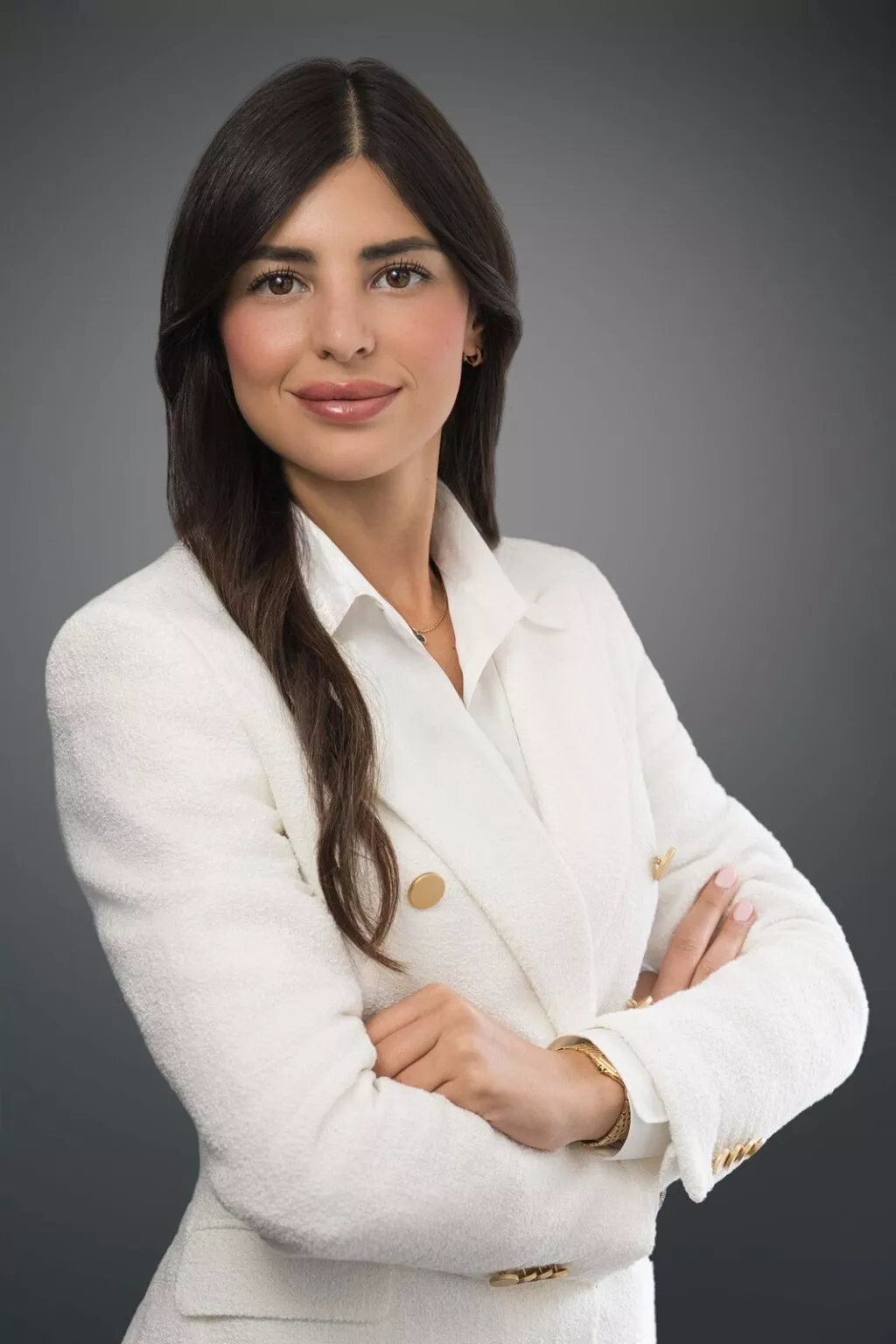
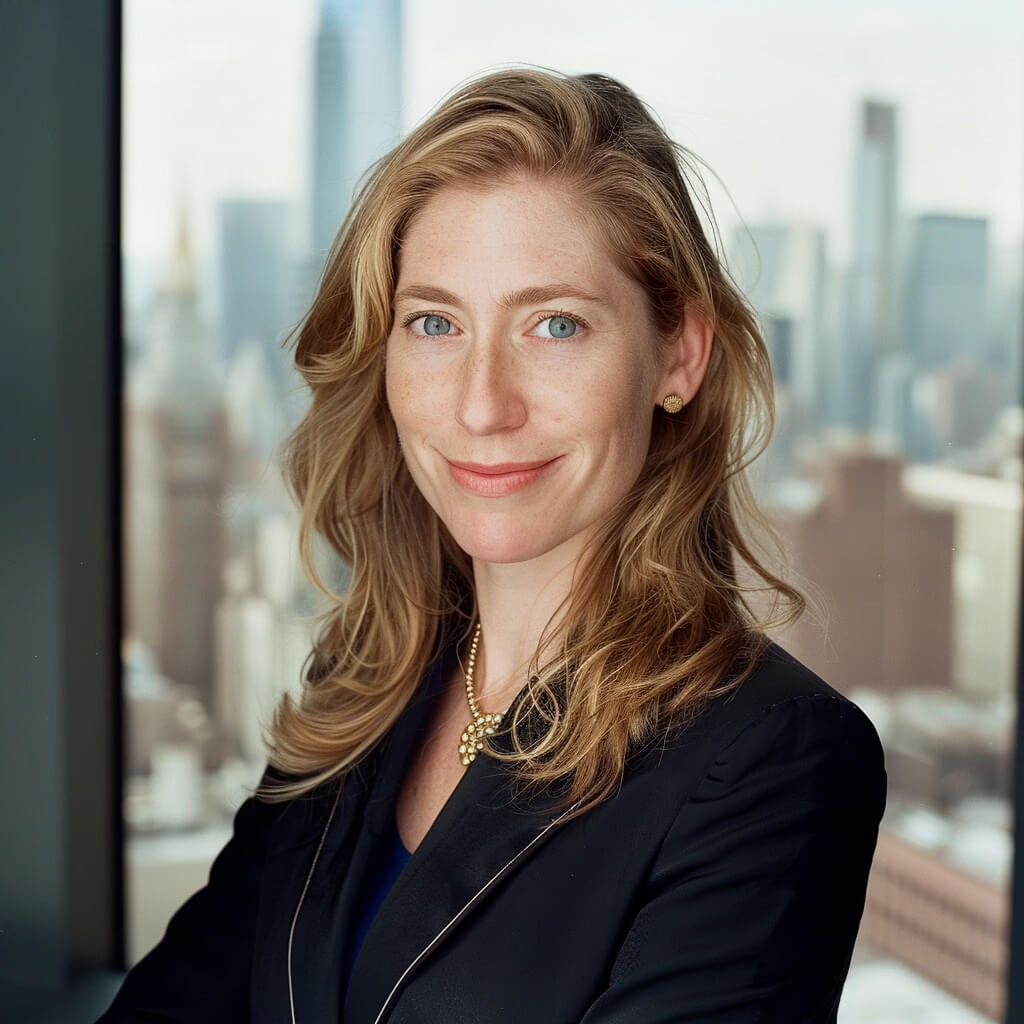
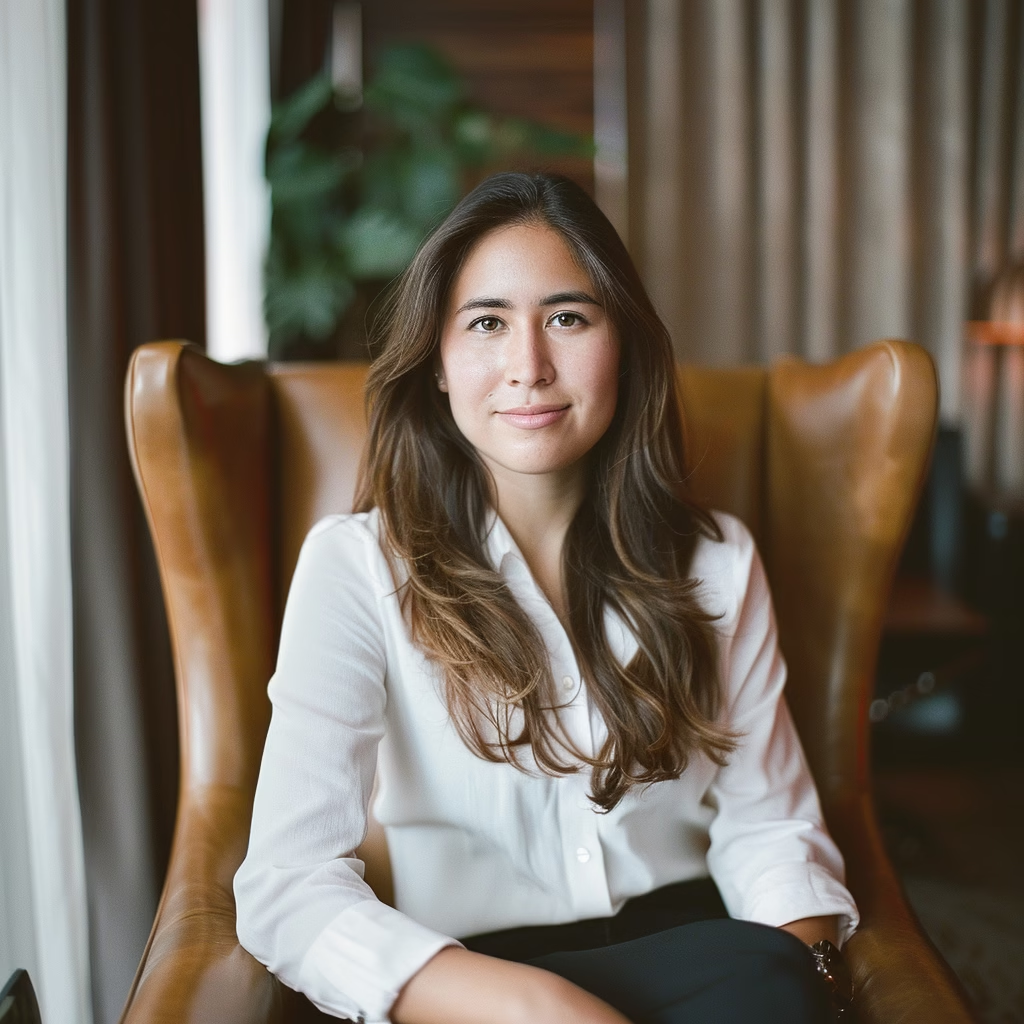
Yes. In most cases, one well-planned portrait can work for LinkedIn, your company website, and professional bios. Using the same photograph does not mean using the identical crop everywhere.
I hear this question often from people who booked professional headshots for LinkedIn and then discovered that marketing needs a team-page photo or a conference organizer needs a speaker bio. After more than thirty years photographing professionals, I have learned that versatility starts before the shutter.
A portrait becomes more useful when expression, background, framing, and negative space are planned for several real destinations. You can see that approach in my professional headshots in New Jersey and NYC work.
Why One Professional Headshot Can Work Across Multiple Platforms
A good professional portrait is not built for one website. It is built around the person who has to use it.
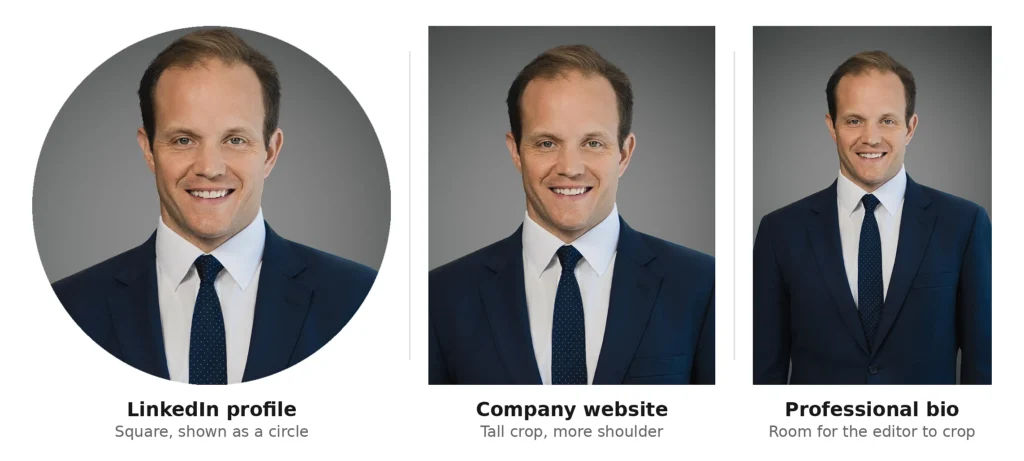
LinkedIn may display a tight profile crop. A company website may show more shoulder and wardrobe. A professional bio may appear on a conference site, association directory, press page, or podcast listing.
Those layouts are different, but they can start with the same portrait when the original image gives each platform enough room to work.
A professional profile picture has to stay readable when small. A business profile photo may need to match a team. A headshot for a professional bio needs flexibility for a layout you may not control.
What Makes a Professional Headshot Versatile?
Versatile does not mean generic. It means the photograph still feels intentional after the platform changes.
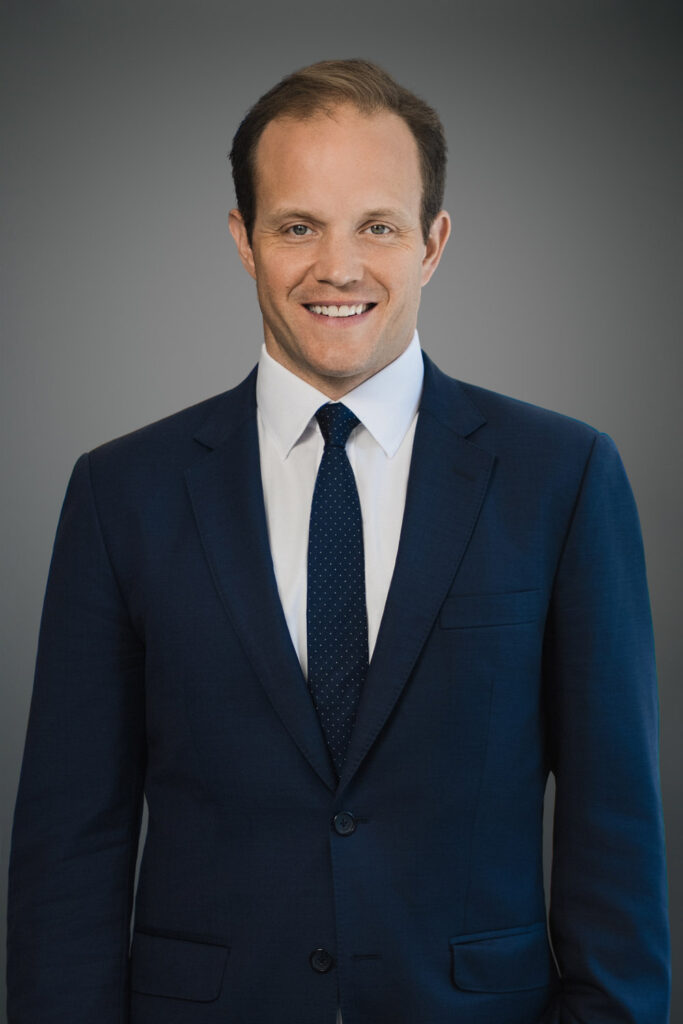
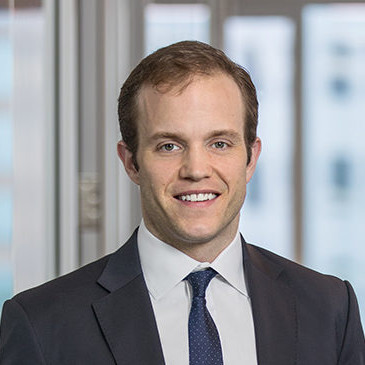
During Justin’s session, I asked him to relax into the smile instead of trying to hold a formal headshot expression, and to let his head settle into a slight natural tilt. The change was visible in the final frame: his eyes stayed engaged, the smile felt genuine, and the portrait became warmer and more approachable without losing the credibility he needed for a professional profile.
The expression needs enough warmth for LinkedIn but enough composure for a leadership page.
The Qualities That Travel Between Platforms
- A clear expression that still reads at small size
- A clean background with no competing detail
- Lighting that flatters without becoming the subject
- Wardrobe that makes sense for the person’s professional role
- Enough room around the head and shoulders for several crops
- An original frame that works before any platform-specific version is made
Crop flexibility is easy to overlook during a session and difficult to manufacture afterward.
Using Professional Headshots for LinkedIn Without Reshooting
LinkedIn is often where people first notice that their photograph was framed for only one purpose. The profile image displays small, so most of the visual weight lands on the face and expression.
How Professional Headshots for LinkedIn Hold Up at Small Sizes
Professional headshots for LinkedIn need to remain readable when the image is reduced. I want the eyes, expression, and shape of the face to survive without depending on details farther down the frame.
Shrink the image on your phone. If the expression still reads immediately, the portrait is doing its job. If the face begins to disappear, the issue is often framing rather than image quality.
For more platform-specific guidance, my article on what makes a LinkedIn headshot work goes deeper into expression and framing.
Can the Same Headshot Work on Your Company Website?
Usually, yes. The same portrait can work on LinkedIn and a company website when the original frame leaves room for different crops and the image fits the employer’s visual standards. Website layouts often use a taller crop with more shoulder, while LinkedIn usually gives more visual weight to the face.
Some companies specify background, crop ratio, wardrobe, or spacing. If your company has those standards, send them before your session. Matching the team is easier when I know the requirements before photographing.
What Photo Should You Use for a Professional Bio?
Use a current professional portrait with a clean background, clear expression, and enough surrounding space for an editor to crop it. A headshot for a professional bio may appear on conference sites, association directories, press pages, contributor profiles, or podcast listings, so flexibility matters more than matching one specific layout.
A tightly cropped phone image may fit one box and fail in another. A planned studio portrait gives the designer room to adapt it cleanly.
If speaking or media work is part of your professional life, I also recommend creating a horizontal frame during the same session. A vertical portrait can usually become square or tall. It cannot always become a wide banner cleanly.
Think About Cropping Before You Choose Your Headshot
A strong photograph can still be the wrong file for a particular layout. Before choosing the final image, look at where it needs to appear.
| Where It Appears | Typical Framing Need | What Has to Survive |
|---|---|---|
| LinkedIn profile | Square crop displayed in a circular frame | Face, eye contact, expression |
| Company website / team page | Tall rectangle | Face, wardrobe, team consistency |
| Professional bio or press page | Square or vertical crop | Clean background and room around the subject |
| Speaker page or website banner | Wider composition may be needed | Horizontal space and negative space |
Square and tall versions can usually come from a well-composed vertical master. A wide version is better planned separately than forced from a vertical photograph.
When One Professional Headshot Is Not Enough
One image is not always the best answer. Different professional contexts can ask for different versions of you.
A leadership page may benefit from a more composed expression. LinkedIn may call for something warmer. Speaking, press, or personal branding work may need an environmental or horizontal portrait.
Those photographs can still come from the same session, wardrobe, and visual approach. You are not creating different identities. You are giving each destination the version that fits it best.
How Often Should You Update a Headshot You Use Everywhere?
Update the portrait when it no longer represents how you look or how you work now. A noticeable appearance change, a more senior role, a company rebrand, or an image that simply feels dated can all be better reasons to update than following a rigid calendar just because a certain number of years has passed.
I cover the timing in my guide on how often to update a professional headshot.
Planning One Session for Multiple Professional Uses
The most useful thing you can do before the session is tell me where the photographs need to go.
That changes how tightly I frame, how much space I leave around the subject, whether we create horizontal images, and how many expressions we build into the session.
At my New Milford studio, and when I photograph professionals across Northern New Jersey and the NYC area, I would rather plan those destinations at the beginning than discover them after the final crop. You can read more about my approach on the About page.
Frequently Asked Questions
Can I use the same headshot for LinkedIn and my company website?
Usually, yes. One current portrait can serve both when it has enough crop flexibility and fits the employer’s visual standards. The website version may show more shoulder, while LinkedIn may use a tighter profile crop.
Should my LinkedIn photo match my company website photo?
They should feel consistent, but they do not have to be identical files. Photographs from the same session can share the same visual language while using different crops.
What kind of photo should I use for a professional bio?
Choose a current professional portrait with a clean background and enough room around the subject for an editor to crop it. Flexibility matters because the same image may appear on conference, press, association, or podcast pages.
Do I need different professional headshots for different platforms?
Not necessarily. One primary portrait can cover several professional platforms when it was photographed with multiple uses in mind. A second expression or wider frame becomes useful when leadership, speaking, media, or personal-brand work requires a different tone or layout.
How many professional headshots should I get from a session?
Think in terms of uses rather than a fixed number. One primary headshot, one alternate expression, and one wider composition can cover LinkedIn, a company website, professional bios, and speaking materials without creating near-identical photographs.
Create a Headshot You Can Use With Confidence
If you need a portrait for LinkedIn, your company website, a professional bio, or all three at once, planning matters more than forcing one finished crop into every platform.
Tell me where the images are going and we can build the session around those destinations: expression, background, framing, and enough flexibility to keep the portrait useful.
If you are a professional in Bergen County, Northern New Jersey, or the NYC metro area looking for professional headshots for LinkedIn and broader business use, book your headshot session and we will plan the image set around where you actually need to show up.
Reply...


