


Your Headshot day should feel relaxed, joyful, and completely yours.
I’m Alex Kaplan, a Headshot Photographer and videographer based in New Milford, NJ, serving Northern.
Browse by Category:
headshots
view more

REQUEST INFORMATION
Want to feel like THIS on your Headshot day?
Availability is limited. Check Your Date Here

So someone asked you to do a video testimonial. Maybe it’s for a photographer you worked with, a service provider who helped your business, or a vendor you’d genuinely recommend. And now you’re thinking: what do I wear? What do I say? What if I look awkward on camera?
If you’re wondering how to give a video testimonial without feeling awkward, this guide is for you.
I get it. After 30+ years as a photographer serving Northern New Jersey, the NYC metro area, Long Island, and the Hudson Valley, I’ve filmed hundreds of video testimonials. I’ve seen people go from nervous to natural once they know what to expect.
Here’s the truth: the best video testimonials are not polished performances. They’re genuine conversations. Your job isn’t to be perfect. It’s to be yourself and share your real experience.
This guide will help you prepare so you can walk in confident, look great on camera, and give a testimonial that actually helps the person who asked you.
TL;DR – Quick Takeaways:
- Wear solid colors, avoid patterns and pure white
- Don’t memorize a script (think through your story, don’t script it)
- Look at the person asking questions, not the camera
- Start answers in complete sentences (“I decided to hire them because…”)
- Filming takes 10-15 minutes, final video uses 60-90 seconds
- Remote? Camera at eye level, face a window, quiet room
- Specific details beat generic praise every tim
Table of Contents
- Why Your Testimonial Matters
- What to Wear on Camera
- If You’re Filming Remotely
- How to Prepare Mentally
- What to Expect During Filming
- Speaking Tips: Sound Natural, Not Scripted
- Example Phrases You Can Use
- Body Language and Where to Look
- What Not to Worry About
- The Day Before: Final Prep Checklist
- FAQ
Why Your Testimonial Matters
Before we talk about what to wear or what to say, let’s talk about why you’re doing this.
When someone is considering hiring the photographer, consultant, or service provider you worked with, your video testimonial might be the thing that tips the scales. Written reviews are great. Video testimonials let potential clients see a real person, hear genuine emotion, and connect with your story.
Your testimonial works because it’s not coming from the business owner. It’s coming from someone like them who had a real experience and is willing to talk about it on camera.
That’s powerful. And that’s why they asked you.
What to Wear on Camera
Let’s start with the question everyone asks first: what should I wear?
Solid colors work best. Avoid busy patterns, thin stripes, or small checks. These can create odd visual effects on camera. Solid blues, greens, grays, and earth tones usually look great.
Dress like yourself, just slightly elevated. If you normally wear jeans and a nice shirt, wear that. If you’re more formal, go business casual or business professional. The goal is to look like the best version of your everyday self, not like you’re wearing a costume.
Avoid these common problem items:
- Pure white (can look too bright on camera)
- All black is fine if you add a little contrast (a colored scarf, jewelry, or layered piece keeps it from looking too stark)
- Logos or text (distracting)
- Noisy jewelry (bracelets that jingle, earrings that swing constantly)
- Brand new clothes you’ve never worn (you’ll feel self-conscious)
Layer if you run cold. Studios and offices can be chilly. Bring a blazer or cardigan you can take off if you warm up.
If this is part of a professional headshots session, think: “important meeting where I want to feel confident and comfortable.”
If You’re Filming Remotely
Many testimonials happen over Zoom or video call now. Here’s how to set yourself up for success:
Position your camera at eye level. Stack books under your laptop or adjust your webcam so you’re looking straight ahead, not up or down.
Face a window for natural light. Position yourself so window light hits your face. Avoid having the window behind you (creates a silhouette).
Find a quiet room. Turn off HVAC, close windows, silence your phone. Background noise is distracting and unprofessional.
Use a stable surface. Don’t hold your phone. Mount it on a tripod or prop it securely so it doesn’t shake.
Test your audio first. Most laptops have decent cameras but terrible microphones. If possible, use earbuds with a built-in mic or an external USB microphone.
How to Prepare Mentally
The mental prep matters more than what you wear.
They’re not looking for perfection. They want your authentic experience, not a rehearsed speech. Pauses to think are fine. Stumbles are fine. They can edit.
Think through your story ahead of time. You don’t need to memorize answers. Spend 10 minutes thinking about:
- What problem were you trying to solve before hiring them?
- Why did you choose them?
- What was the experience like?
- What surprised you?
- What changed after you worked together?
Just think through the arc. Do not script it.
Identify one or two specific moments. Generic praise doesn’t help anyone. “They were great” is vague. Specific is powerful:
- “They coached my expression so I didn’t look stiff.”
- “They delivered faster than expected.”
- “My team felt more confident afterwards.”
- “I stopped dreading photos.”
Expect to feel a little awkward at first. Almost everyone does. You’ll relax after the first question or two.
What to Expect During Filming
Knowing the flow helps you relax.
It usually starts with small talk. Good videographers don’t shove a camera in your face and say “go.” They’ll chat, explain what’s happening, and get you comfortable.
There may be a practice question. Use it. It helps you settle into your natural voice.
Questions will be open-ended. You’ll hear prompts like:
- “What were you looking for when you started searching?”
- “What was the experience like?”
- “What stood out most?”
They may ask you to repeat something. If you say something great but stumble, they might say: “That was perfect. Can you say it one more time?” That’s a good sign.
Total time is usually 10 to 15 minutes. Short, simple, and manageable.
Speaking Tips: Sound Natural, Not Scripted
Start in complete sentences. If they ask “Why did you hire them?” avoid starting with “Because…” Start with: “I decided to hire them because…”
This makes editing easier and sounds more confident.
Be specific. Instead of “The photos were good,” try: “When I saw the final image, I knew it was the one for my LinkedIn.”
Pause if you need to. You don’t have to answer instantly. Take a breath. Think. Then respond.
Share what changed. Results make testimonials persuasive:
- “I felt more confident.”
- “Recruiters started reaching out.”
- “Our team looked consistent across the website.”
- “Clients took us more seriously.”
Use your words. If you’d say “It was so easy” to a friend, say that. If you’d say “They guided me the whole time,” say that. Authentic language wins.
Example Phrases You Can Use
If you’re stuck on how to start your answers, here are some helpful sentence starters you can borrow:
When they ask what you were looking for:
- “I needed help with [specific problem]…”
- “I was searching for someone who could…”
- “The main thing I wanted was…”
When they ask why you chose them:
- “I decided to hire them because…”
- “What made them stand out was…”
- “After reading their reviews, I felt…”
When they ask about the experience:
- “The whole process was…”
- “What surprised me most was…”
- “From start to finish, they…”
When they ask about results:
- “After working with them, I noticed…”
- “The biggest change was…”
- “Since then, I’ve been able to…”
When they ask if you’d recommend them:
- “I would absolutely recommend them because…”
- “If a friend asked me, I’d tell them…”
- “Anyone looking for [service] should know…”
These aren’t scripts to memorize. They’re just frameworks to help you organize your thoughts if you feel stuck.
Body Language and Where to Look
Look at the person asking questions, unless they tell you otherwise. That keeps it conversational.
Sit up straight, but stay relaxed. Good posture reads as confident. Tension reads as nervous.
Use your hands if you normally do. Just keep gestures calm and within frame.
Let your expression match your words. If you’re talking about relief, it’s okay to smile. If you’re describing a problem you had before, it’s okay to be serious.
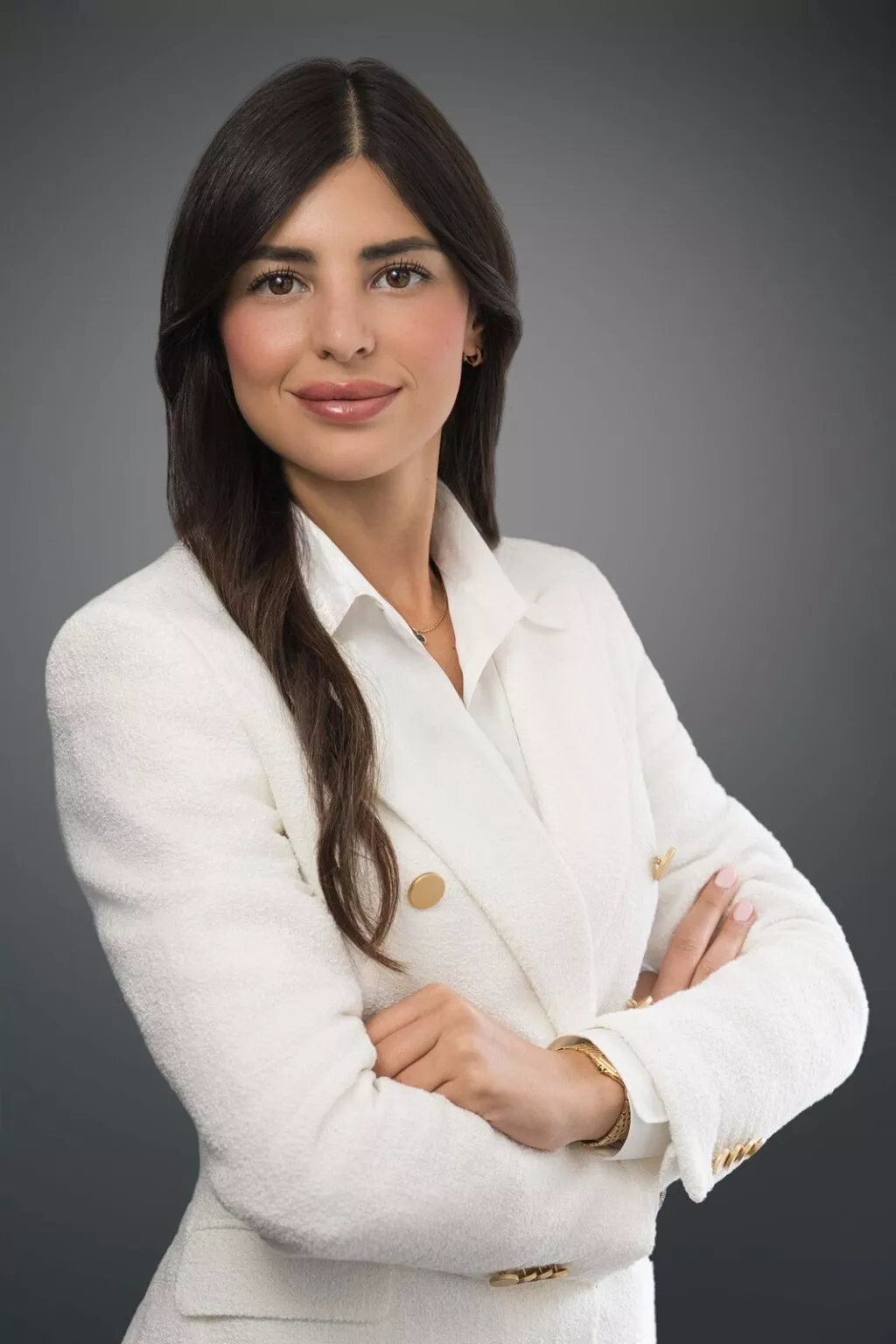
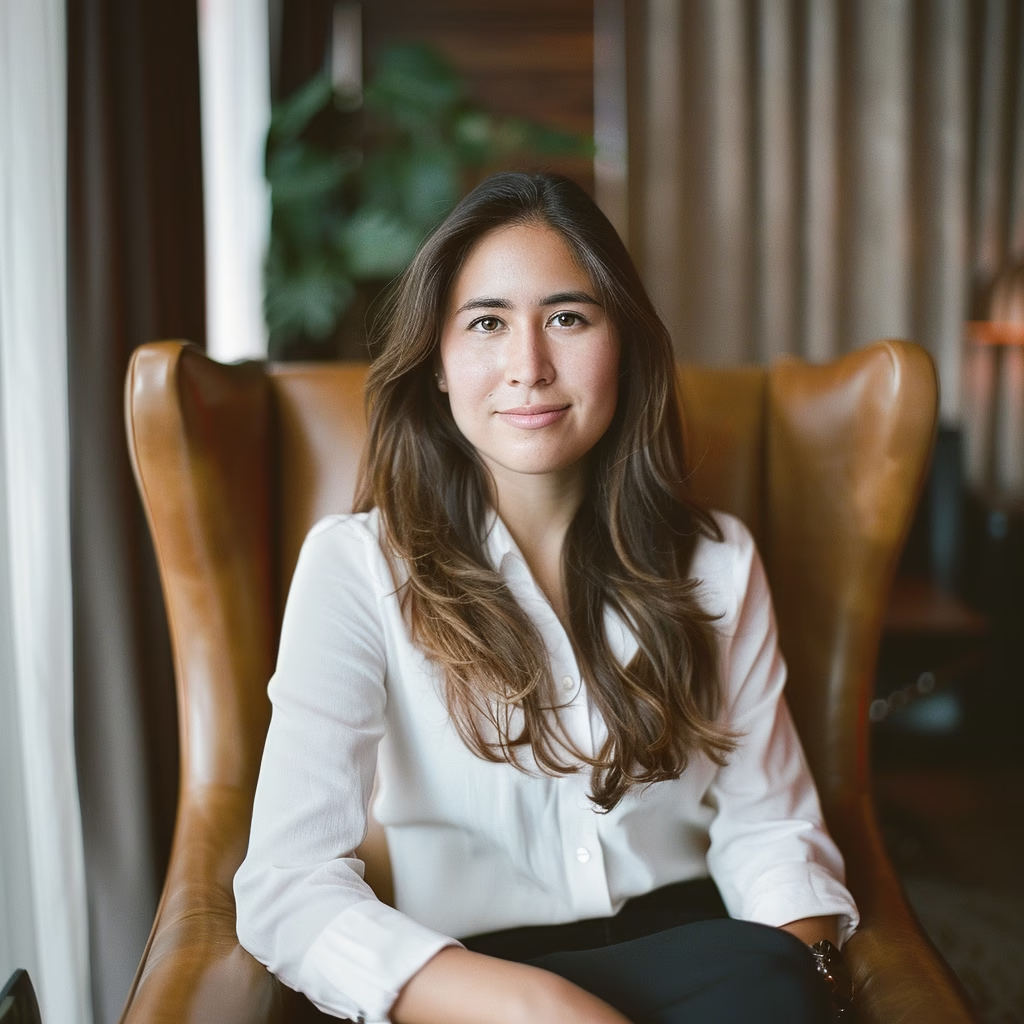
If you want a reference for relaxed, confident energy, here’s an example of professional headshot.
What Not to Worry About
You do not need to be “camera ready.” Normal grooming is fine.
You do not need to love your voice. Everyone thinks their recorded voice sounds weird. Viewers don’t care.
You do not need perfect delivery. “Um” happens. Rephrasing happens. That’s normal.
You do not need to nail the length. They will edit it down.
Do not memorize a script. Memorized lines sound memorized.
The Day Before: Final Prep Checklist
- Try on your outfit and make sure it’s comfortable
- Get good sleep
- Hydrate
- Eat something
- Review your key points, but do not rehearse word-for-word
- Arrive 5 minutes early (or log in early if remote)
- Bring a backup shirt if you’re unsure
Using Your Testimonial Later
After it’s filmed, you may get a copy. If you’re happy with it:
- Share it on your social media and tag the person you’re recommending
- Add it to your LinkedIn Featured section if it fits your brand
- Send it to colleagues if they ask for a referral
Video testimonials are effective because they show real experiences. According to Wyzowl’s research, 85% of people say watching a video has convinced them to buy a product or service.
And here’s what I’ve learned after filming hundreds of these: the testimonials that work best aren’t the most polished. They’re the most real.
If you’re a service provider looking to capture client video testimonials, I have a separate guide covering the technical setup, questions that get authentic responses, and how to make your clients comfortable on camera.
FAQ
How long will filming take? Usually 10 to 15 minutes total. The final video might only use 60 to 90 seconds.
What if I mess up while talking? Laugh it off and restart the sentence. They can edit.
Should I look at the camera or the person asking questions? Look at the person asking questions unless they tell you to look into the lens.
Can I see it before they publish it? Often yes. If they don’t mention it, it’s reasonable to ask.
Do I need to memorize what I’m going to say? No. Please don’t. Think through your story, then speak naturally.
Can I wear glasses? Yes, if you normally wear them. Clean them first. Avoid transitions lenses if possible.
What if I’m filming from home on Zoom? See the “If You’re Filming Remotely” section above. Camera at eye level, face a window, quiet room, and stable setup are the essentials.
What are some good things to say in a video testimonial? Focus on specific results and experiences rather than generic praise. See the “Example Phrases You Can Use” section for sentence starters that can help you organize your thoughts.
Looking for professional photography or video coverage that showcases your business authentically? Contact Alex Kaplan Photography to discuss your project.
Reply...


